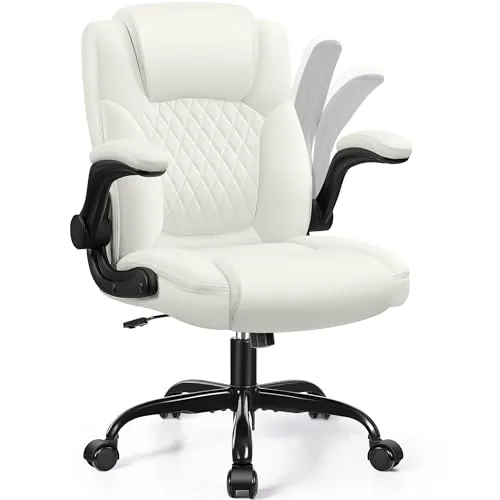
Brick Attic
Brick Attic Adjustable Office Chair
Confirm external and usable dimensions.
Before you buy
- Check the selected color, material and included components.
- Read assembly, installation and care instructions.

Make room for what matters
Choose office products by the job you repeat most: shipping parcels, labeling small items or sitting at your desk. Most options below are label printers and label makers. A carrying case is an accessory, and the office chair is a separate workspace choice.
First, choose a sample of the label you need to print. Note its dimensions and file format, then check how the printer receives that file from your actual phone or computer. Read the supported-system list rather than assuming Bluetooth means every app can print directly.
Next, look at how you will feed and store labels on your desk. Compare rolls, fanfold stacks or tape cartridges as appropriate for the exact model. Leave enough space behind the printer for the media path and room to reload it.
Match these options to your space, devices and daily routine. Then check the exact model and the parts in the box.
Brick Attic
Confirm external and usable dimensions.
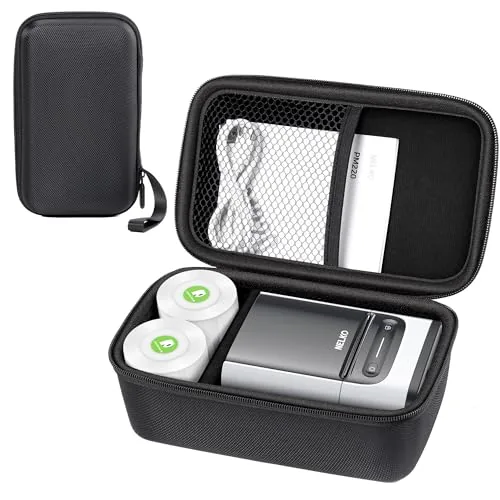
Nelko
Confirm the exact compatible printer model and case dimensions.
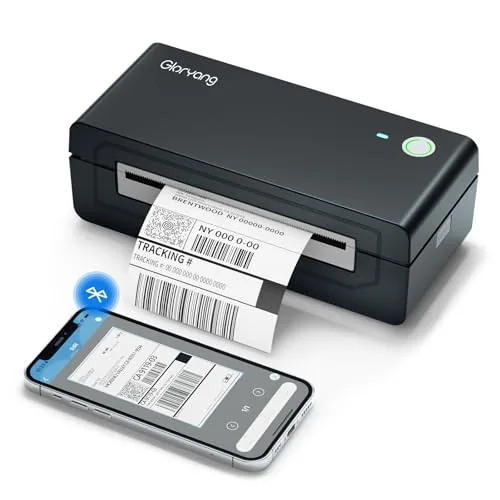
Gloryang
Confirm the label width, length and compatible label media.
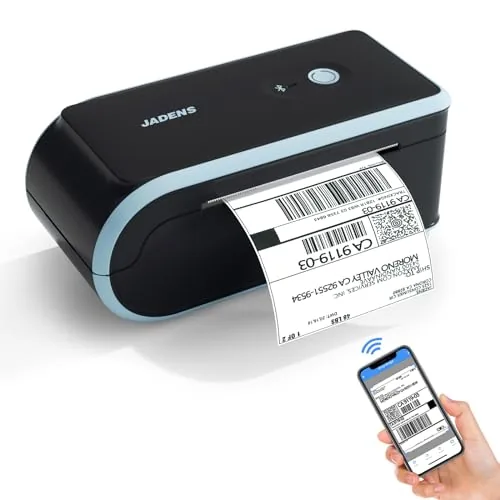
JADENS
Confirm the label width, length and compatible label media.
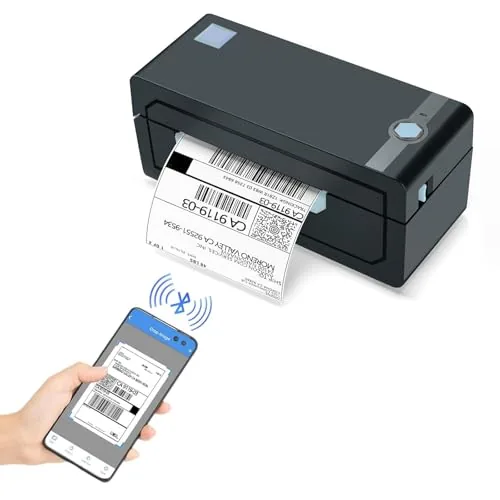
JADENS
Confirm the label width, length and compatible label media.
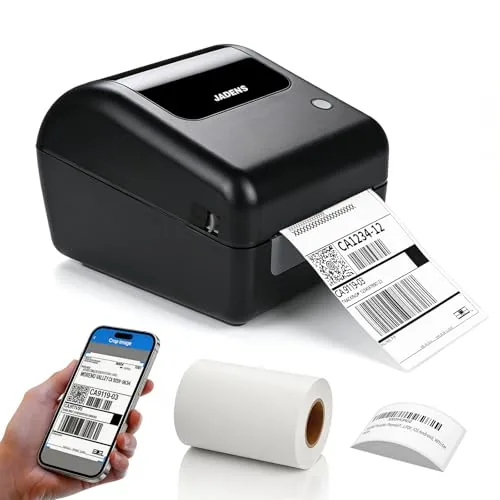
JADENS
Confirm the label width, length and compatible label media.
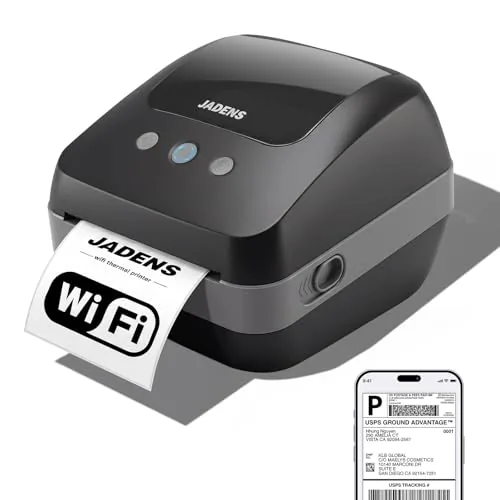
JADENS
Confirm the label width, length and compatible label media.
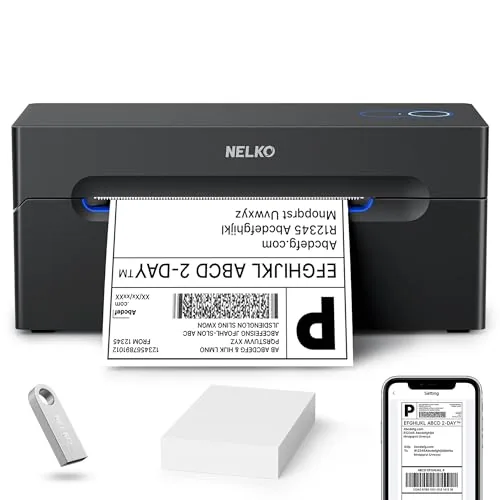
Nelko
Confirm the label width, length and compatible label media.
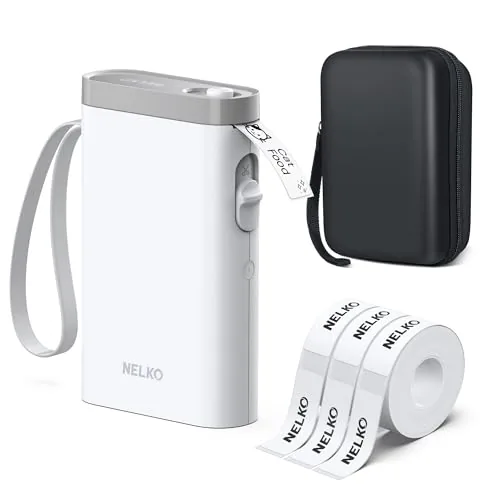
Nelko
Confirm the label width, length and compatible label media.
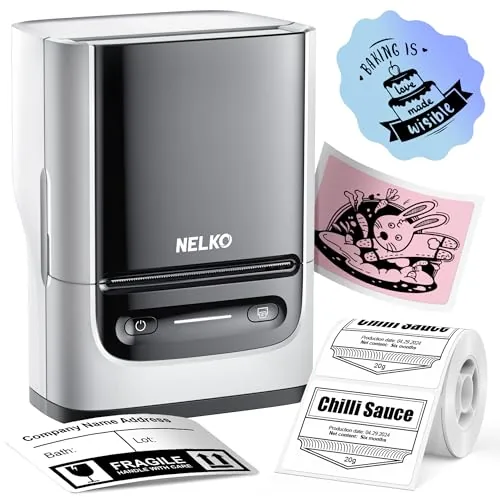
Nelko
Confirm the label width, length and compatible label media.
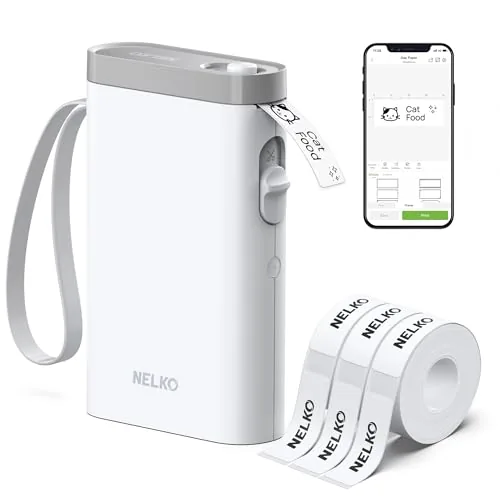
Nelko
Confirm the label width, length and compatible label media.
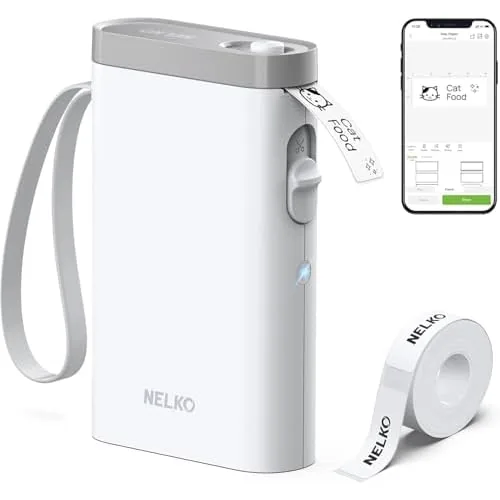
Nelko
Confirm the label width, length and compatible label media.
Then find compatible labels or tape for the exact printer. Also compare the cost for the same label size and count. For special surfaces, check the media supplier's instructions for adhesion, temperature and removal.
For the chair, measure desk clearance and compare the adjustment range with your own setup. An accessory case, a label maker and a chair should stay on separate budget lines; they are not interchangeable ways to finish the same task.
Choose by the output you need. Shipping labels and color photographs use different media and workflows. For photos, start with the dedicated printer comparison instead of assuming a label device will produce the same result.
Confirm the compatible model and included items. The named printer may be shown to demonstrate fit and may not be included with the case.
If you buy through a product link, FasterBuyers may earn a commission at no extra cost to you. Read the source and selection standards.
Your browser, your choice
Google Analytics helps FasterBuyers understand page visits and product-link clicks. Choosing “No thanks” keeps it off. Changing your choice here affects future collection; it does not delete information already sent.
No choice saved in this browser.