Skip to content

Find your fit

Grow-space monitoring

Choose a grow-space camera around the enclosure, lighting and environmental conditions. Confirm its intended operating environment and access requirements before installation.

Explore 1 model

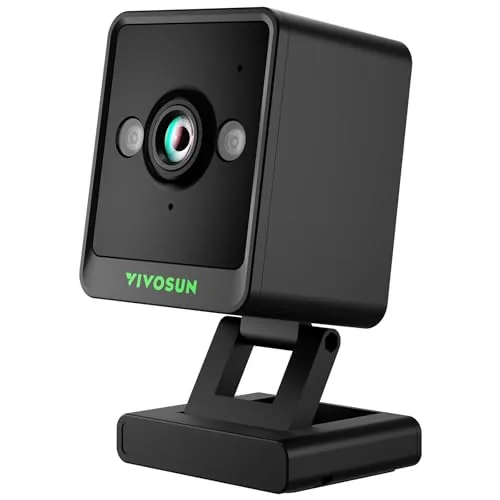
Plan your GrowCam C4 recording setup

This grow cameras page currently lists the VIVOSUN GrowCam C4. Treat it as a way to view a growing space, not as proof of plant health or a replacement for environmental sensors.

  • View and placement

    Choose the area you want to see, then check the mounting position, cable route and clearance around fans or watering equipment. Confirm the camera’s environmental limits in its manual.

  • Network and power

    The manufacturer specifies 2.4GHz Wi-Fi for the C4. Check signal at the mounting position and the required power connection before planning unattended viewing.

  • Recording supplies

    Check the supported microSD requirements and whether a card is included. Decide how you will store and retrieve recordings or time-lapse footage, rather than assuming live viewing includes every recording feature.

1 model to explore

Questions before you choose

Does a grow camera measure temperature or humidity?

Do not assume that from the camera category. The C4 is a viewing device; use the exact product specifications to establish any additional functions and choose separate environmental monitoring where needed.

What should you prepare for time-lapse recording?

Check the manual’s storage-card and recording instructions, then choose a stable view with suitable power and network access. Confirm the included accessories before ordering extra mounting or storage parts.

Sources for these buying checks: VIVOSUN: GrowCam C4 specifications. Check the exact model and regional package before buying.

If you buy through a product link, FasterBuyers may earn a commission at no extra cost to you. See your source checklist.