Skip to content
Home / All categories / Electronics

Make room for what matters

Choose electronics for the setup you already own

Use this electronics buying guide to start with the task: listening, printing photos or joining video calls. The products below serve different jobs. Match one to your existing devices before comparing features across unrelated categories.

Start your electronics buying guide with a task

  • Listen at home or on the move
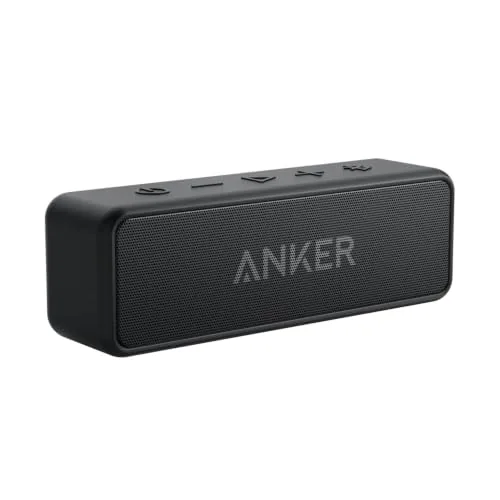
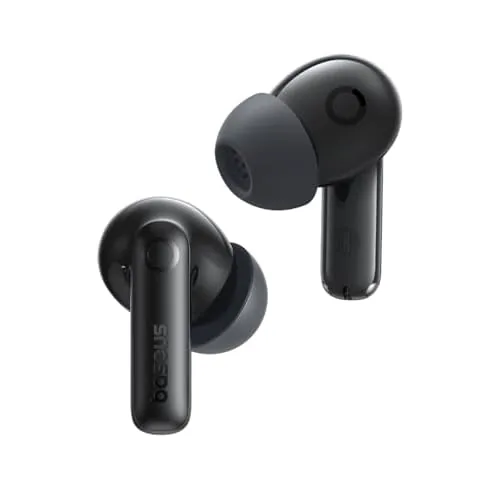
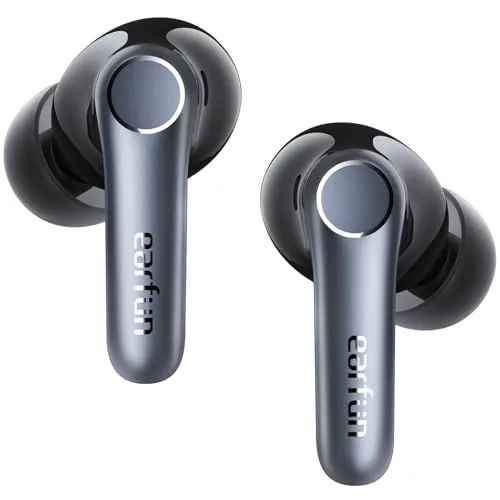
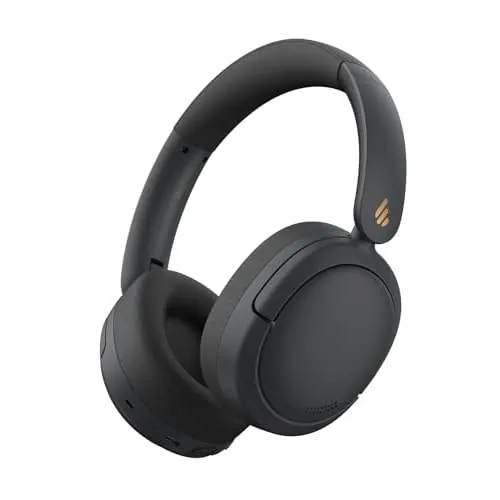
    Separate an amplifier and speaker setup from a portable speaker, headphones or earbuds. List the equipment you already have before adding another component.
  • Print photographs
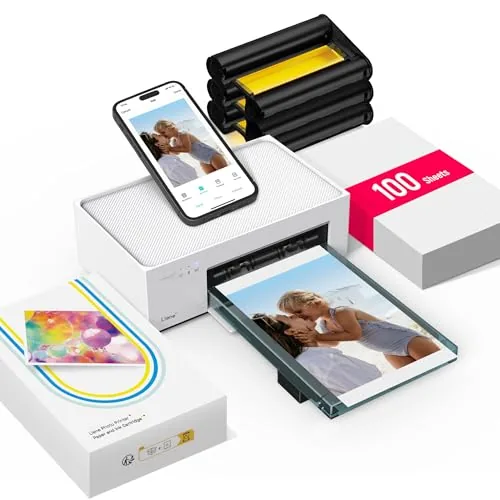
    Choose the paper format first. Check phone support, the required app and the exact paper-and-cartridge system; similar sheet sizes do not prove refill compatibility.
  • Join a video call
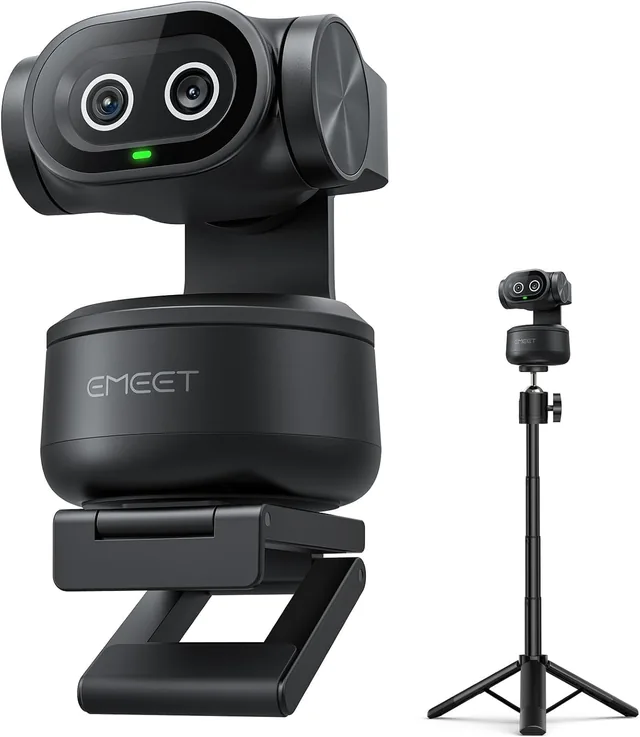
    Check the webcam's computer connection, mounting position and supported software. Match framing and desk placement to how you actually take calls.

Avoid buying one part of an unfinished setup

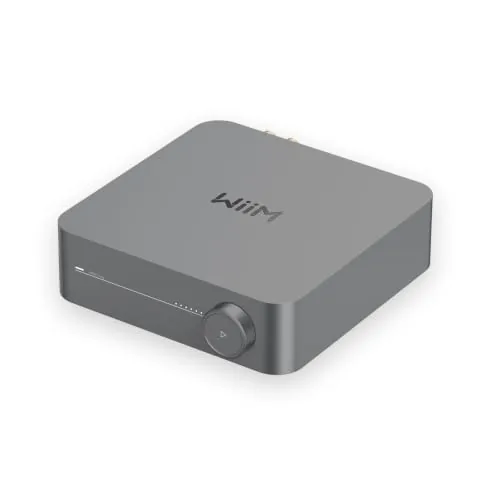
For example, WiiM's setup guidance connects the WiiM Amp to passive speakers. It is not a single portable speaker that you can unpack and carry from room to room. Count the speaker cables, speakers and placement in your plan.

For photos, begin with the small-photo and 4×6 printer comparison. For a closer look at borders, paper and a phone workflow, use the Nelko PP01 guide. Choose a format that suits your project rather than a generic electronics rating.

Explore the products for your shortlist

Match these options to your space, devices and daily routine. Then check the exact model and the parts in the box.

Compare the parts you will replace or add

An audio purchase may need cables or speakers. A photo printer needs compatible consumables. A webcam may need a suitable mount or a different cable route. Write those items beside the device price before comparing your options.

Finally, confirm the exact color, bundle and connection version on the linked listing. Product names can cover several packages. Treat the card as a starting point for the selected model, then check the package you are about to order.

Questions that change your choice

Should you compare all these products in one ranking?

No. A printer, amplifier and webcam solve different problems. First choose the task, then compare models within that group using the category links below.

Where should you start if compatibility is unclear?

Check the maker's instructions for your existing device and the new product. Match the required connection and supported operating system before focusing on optional features.

Check the source details

If you buy through a product link, FasterBuyers may earn a commission at no extra cost to you. Read the source and selection standards.