EMEET
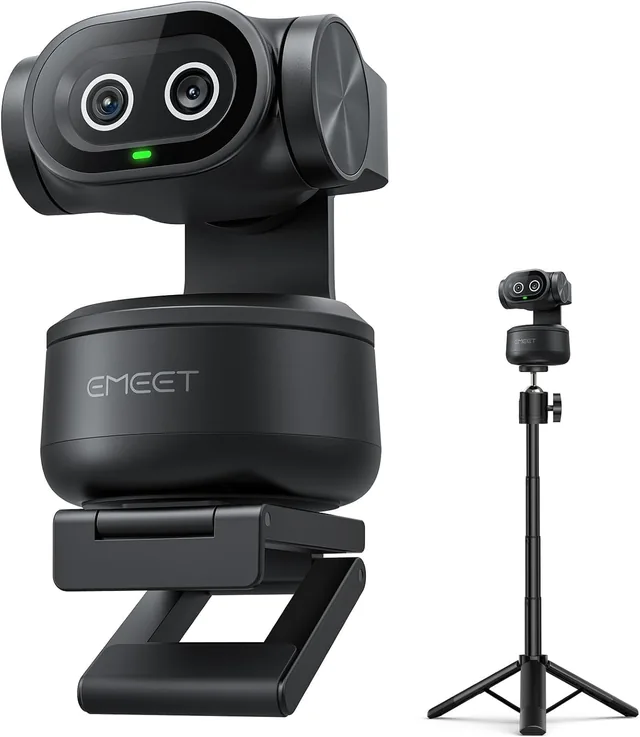
EMEET PIXY 4K PTZ Webcam with Tripod
Check the connection and operating-system support.
Before you buy
- Match field of view and mounting options to your desk.
- Confirm microphone, privacy shutter and software requirements for the selected model.

Find your fit
A webcam for Zoom needs to fit the room and working distance. Lighting, microphone placement and the meeting software's own limits matter alongside the advertised resolution.
Webcams for one person and cameras for a meeting room solve different framing problems. Start with the people and space you need to show, then compare the connection and controls.
Check the field of view and whether focus is fixed or automatic. For a moving presenter or several people, investigate tracking and pan-tilt controls rather than assuming every camera includes them.
Compare frame rate at the resolution you plan to use. Check your meeting app, computer and cable requirements; the highest camera specification may not be the setting used in a call.
Check the monitor mount or tripod connection and the cable route. Decide whether you will use camera audio or a separate microphone. Confirm any physical privacy cover in the exact package.
EMEET
Check the connection and operating-system support.
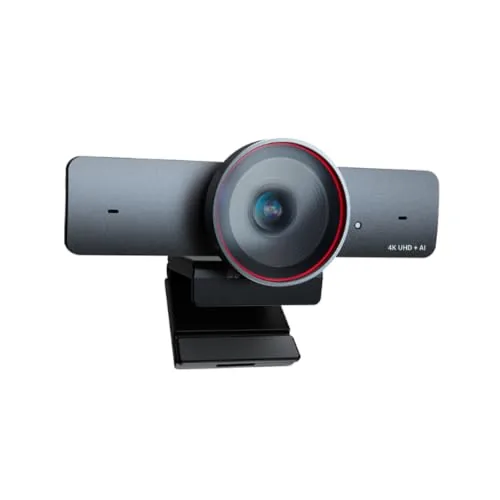
AV Access
Check the connection and operating-system support.
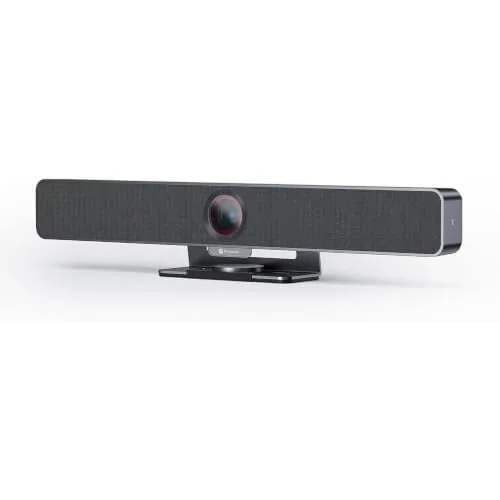
AV Access
Check the connection and operating-system support.
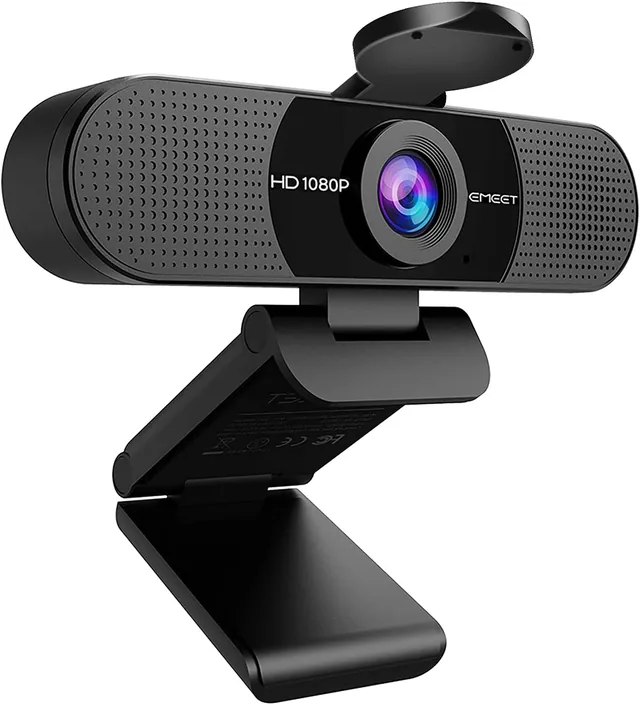
EMEET
Check the connection and operating-system support.
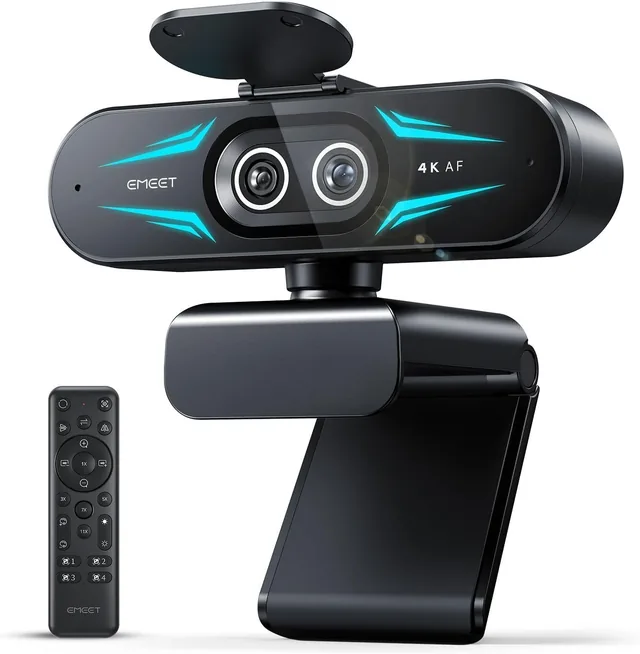
EMEET
Check the connection and operating-system support.
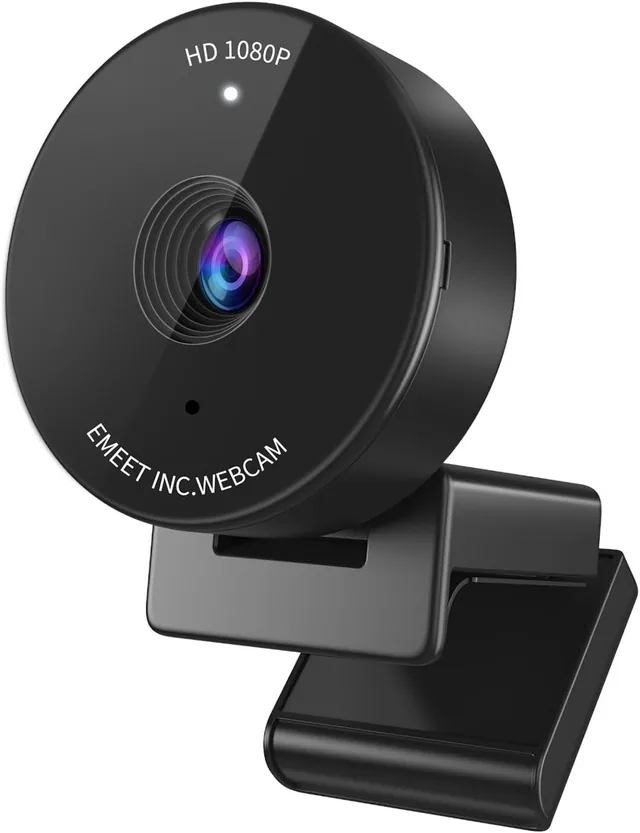
EMEET
Check the connection and operating-system support.
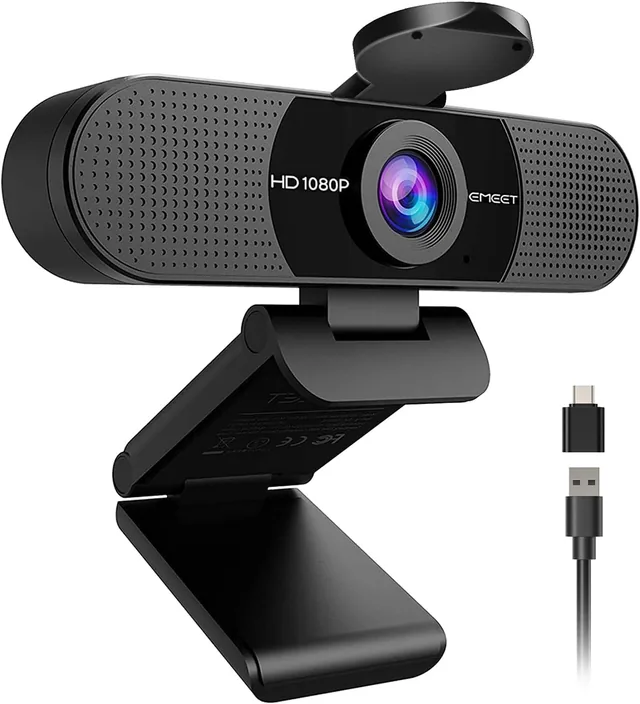
EMEET
Check the connection and operating-system support.
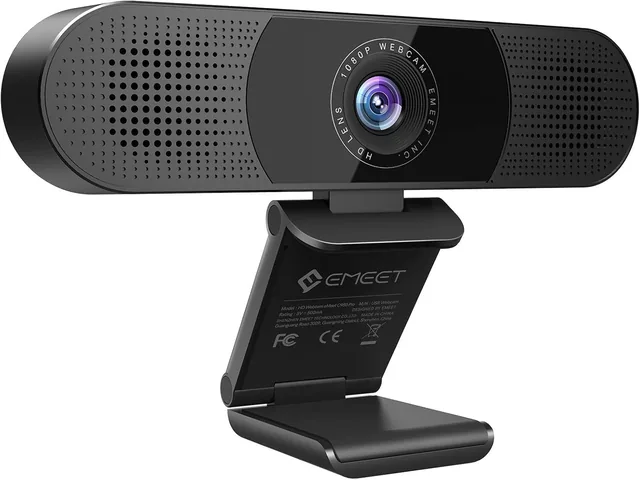
EMEET
Check the connection and operating-system support.
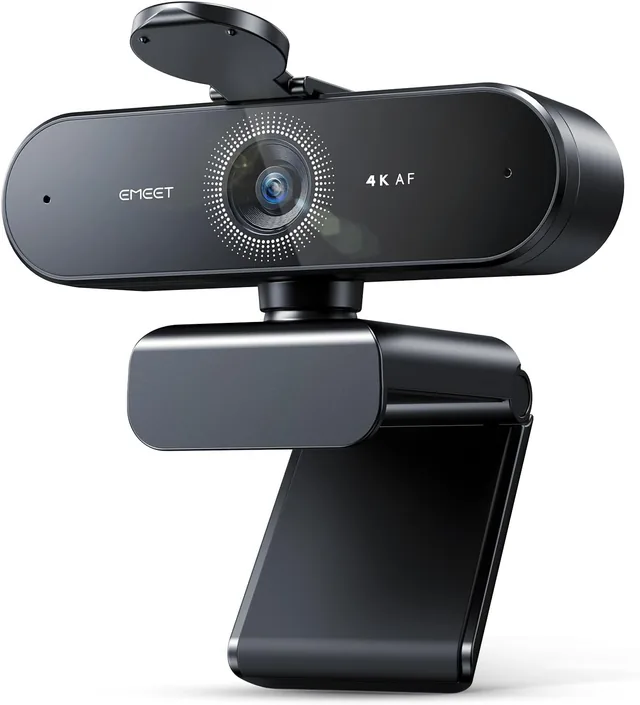
EMEET
Check the connection and operating-system support.
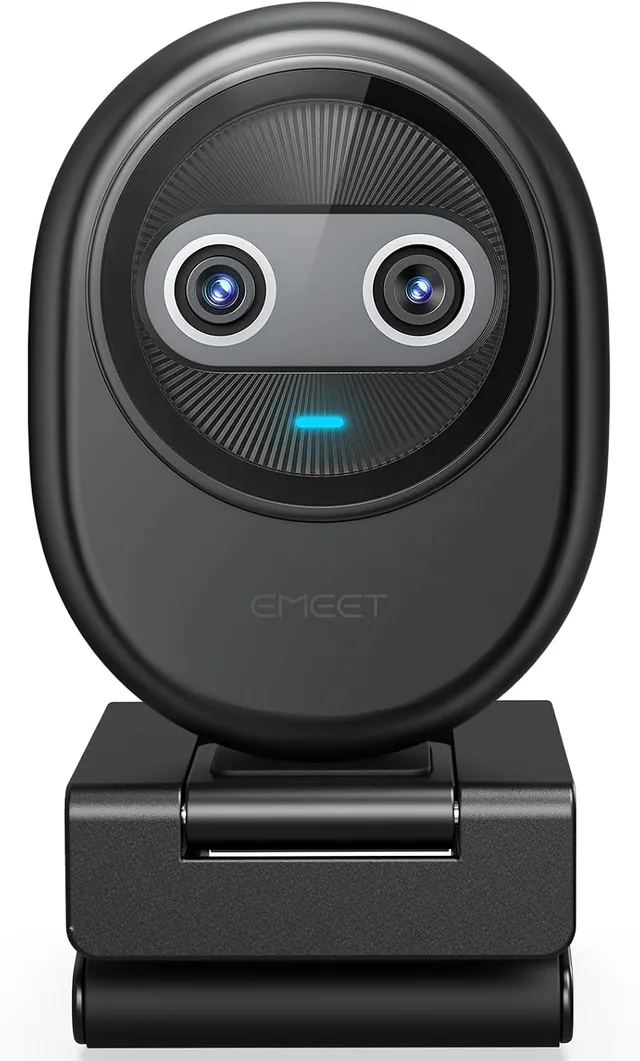
EMEET
Check the connection and operating-system support.
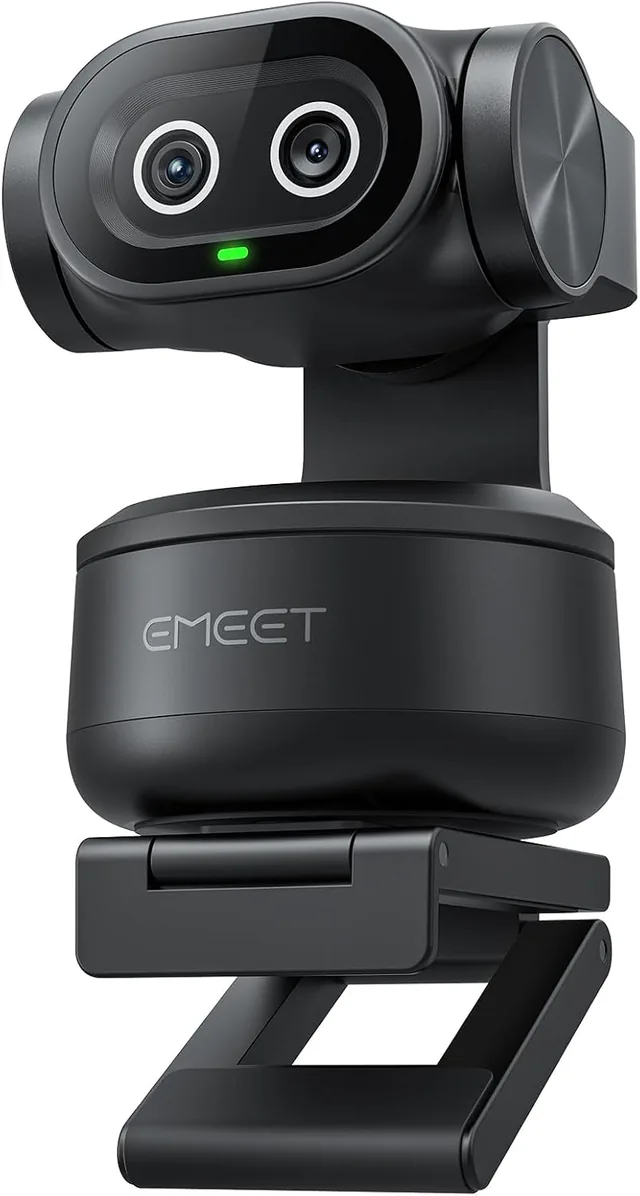
EMEET
Check the connection and operating-system support.
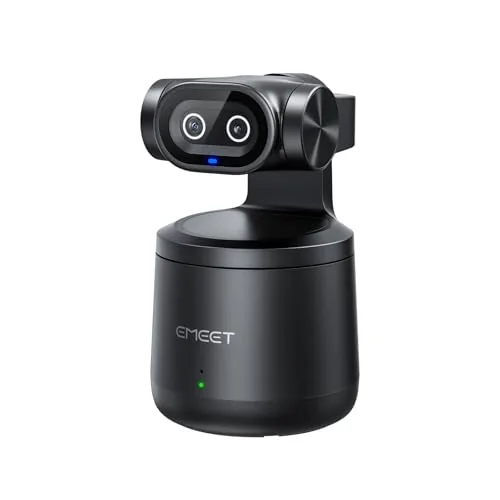
EMEET
Check the connection and operating-system support.
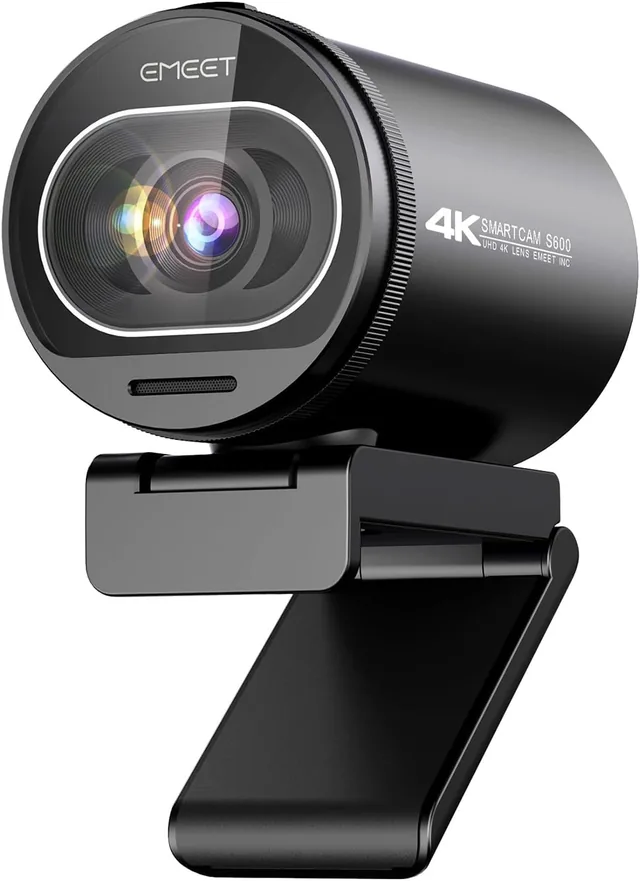
EMEET
Check the connection and operating-system support.
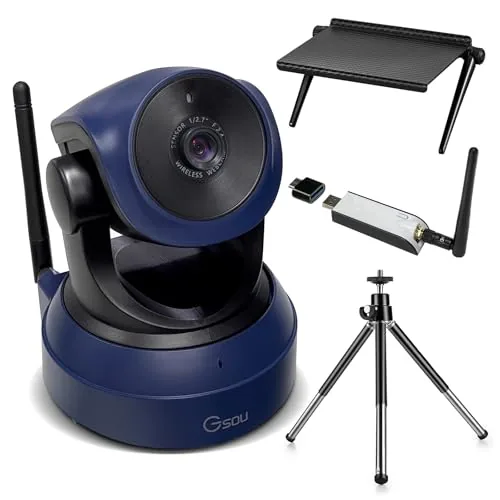
Gsou
Check the connection and operating-system support.
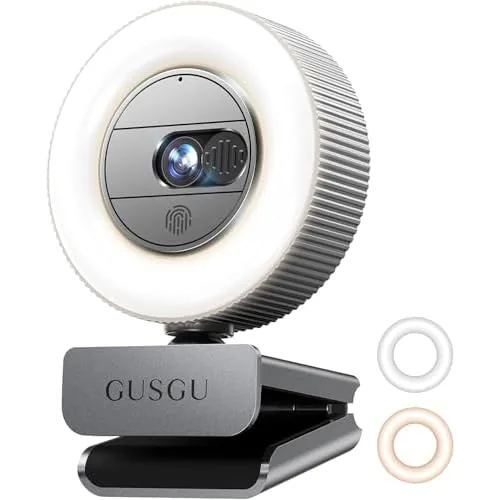
GUSGU
Check the connection and operating-system support.
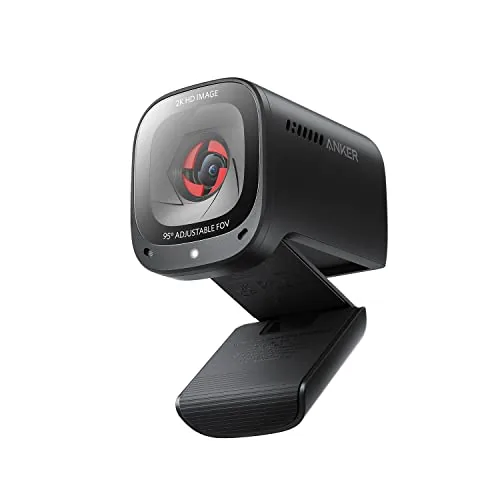
soundcore
Check the connection and operating-system support.
Use the audio guide to compare clip-on microphone inputs for your calls or recordings. Check your device connection and the app you will use before you choose.
GoorDik USB-C Wireless Lavalier Microphone — find the microphone buying checks in the audio guide.
MAONO UL10 USB Lavalier Microphone — find the microphone buying checks in the audio guide.
A wider frame can include more people but also more of the room. For a solo desk, check how large you appear at your normal sitting distance and whether you can adjust the framing.
Choose around movement and distance. Check the model’s stated focus behavior, especially if you show objects or change position. The EMEET product range includes different focus designs, so do not infer one model’s behavior from another.
Sources for these buying checks: EMEET NOVA: autofocus model details; EMEET C950: fixed-focus model details. Check the exact model and regional package before buying.
If you buy through a product link, FasterBuyers may earn a commission at no extra cost to you. See your source checklist.
Your browser, your choice
Google Analytics helps FasterBuyers understand page visits and product-link clicks. Choosing “No thanks” keeps it off. Changing your choice here affects future collection; it does not delete information already sent.
No choice saved in this browser.